JWT Getter
JWT Getter
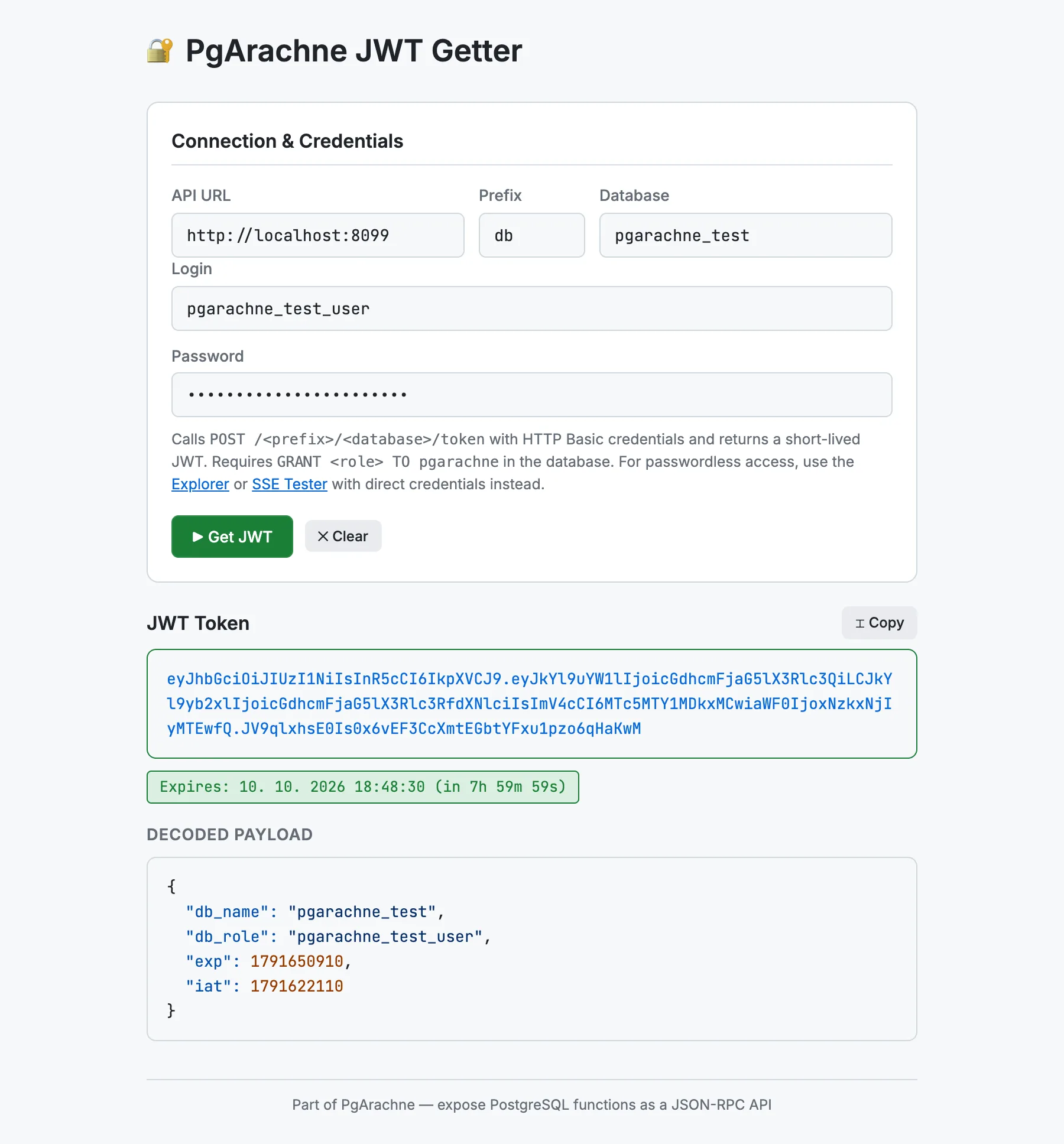
The JWT Getter is a minimal single-file browser tool located in tools/jwt-getter. It exchanges a PostgreSQL username and password for a short-lived JWT by calling POST /{prefix}/{database}/token with HTTP Basic credentials — and shows you the decoded payload and expiry time.
Online version: jwt-getter.pgarachne.com
When to use it
Use the JWT Getter when you need a token for one of these purposes:
- Pasting a token into the Explorer or SSE Tester (Bearer Token tab).
- Testing JWT expiry or
db_role/db_nameclaims in your application. - Quickly verifying that the
pgarachnesystem user can switch to a given role (GRANT <role> TO pgarachnemust be in place).
Note: a JWT only works if PgArachne may switch to the user’s role, which requires
GRANT <role> TO pgarachne in the database (PgArachne uses SET LOCAL ROLE for token-authenticated requests). If you want to skip that grant, use direct credentials (HTTP Basic Auth) in the Explorer or SSE Tester instead.Features
- Enter API URL, prefix, database, username and password — press Enter or click Get JWT.
- The raw token is displayed and can be copied with one click.
- The JWT payload is Base64-decoded and displayed with JSON syntax highlighting.
- An expiry badge shows the remaining lifetime (or marks the token as expired).
- Connection settings and login are saved to
localStorage.
How to enable it
Set STATIC_FILES_PATH to tools/jwt-getter and visit http://localhost:8080, or open index.html directly in a browser.