JWT Signer
JWT Signer
The JWT Signer is a single-file browser tool located in tools/jwt-signer. Unlike the JWT Getter, it never contacts PgArachne or the database: you enter the JWT_SECRET by hand and the token is signed (HS256) directly in your browser.
Online version: jwt-signer.pgarachne.com
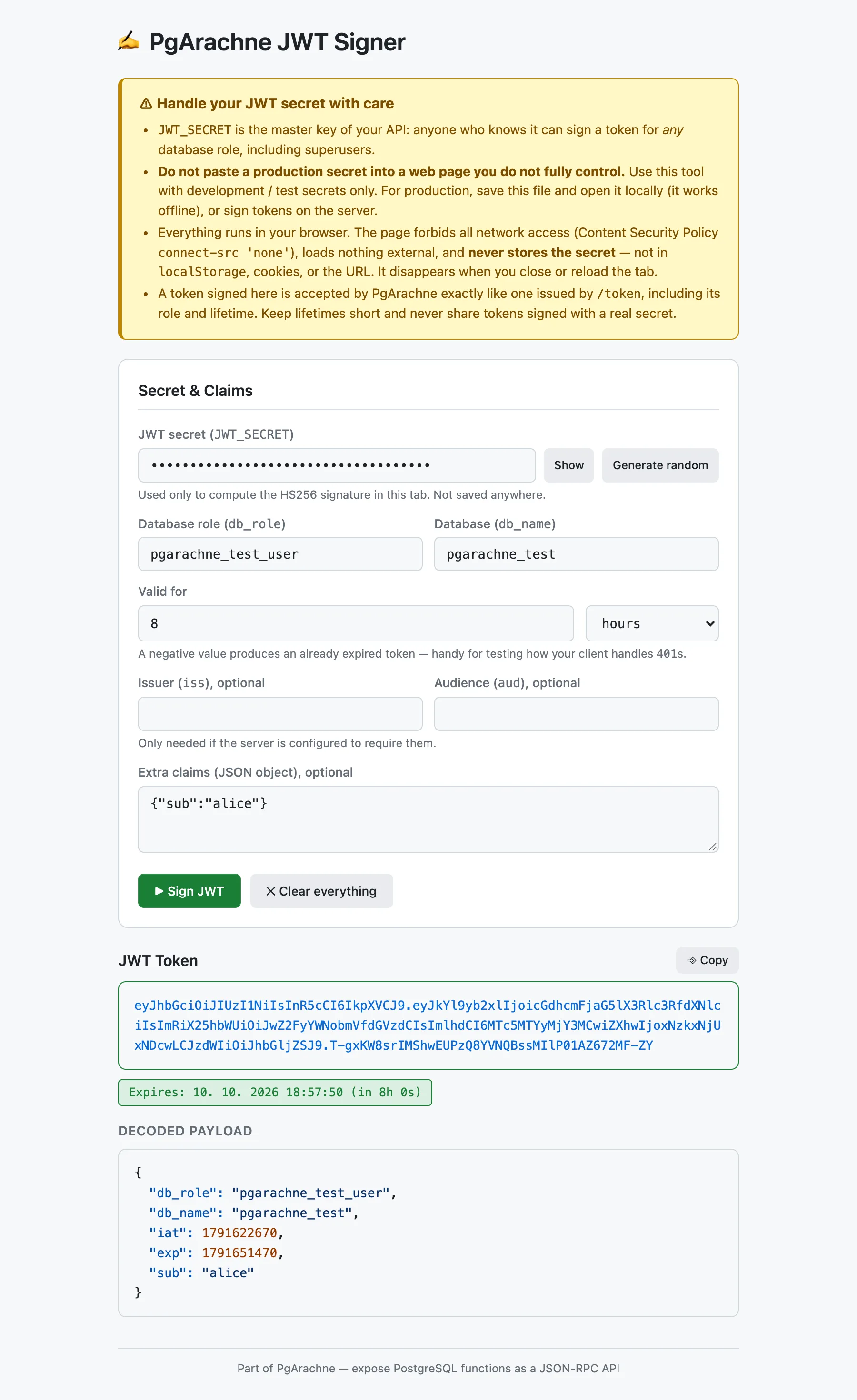
Handle your JWT secret with care
JWT_SECRETis the master key of your API: anyone who knows it can sign a token for any database role, including superusers.- Never paste a production secret into a web page you do not fully control. Use the hosted version with development/test secrets only. For production, save
index.htmland open it locally (it works offline), or sign tokens on the server. - Everything runs in your browser. The page forbids all network access (Content Security Policy
connect-src 'none'), loads no external resources and never stores the secret — not inlocalStorage, cookies or the URL. Only the role, database, lifetime, issuer and audience are remembered. - A token signed here is accepted by PgArachne exactly like one issued by
/token. Keep lifetimes short and never share tokens signed with a real secret.
When to use it
- Testing and development when you do not want (or cannot) log in with a database password.
- Verifying how your client handles expiry: a negative lifetime produces an already expired token.
- Trying out
iss/audand extra claims against a server configured to require them. - Generating a random 256-bit secret for a new
JWT_SECRETwith one click.
How to enable it: Set
STATIC_FILES_PATH to tools/jwt-signer and visit http://localhost:8080, or open index.html directly in a browser — it works without any server.